

UkeLib Chords
Find a ukulele chord and compare its shapes up and down the neck. UkeLib shows suggested fingerings and lets you hear the chord.
iPhone
UkeLib Chords
- App Store
- Free
- Version 1.15.8
Requires iOS 13.0 or later.
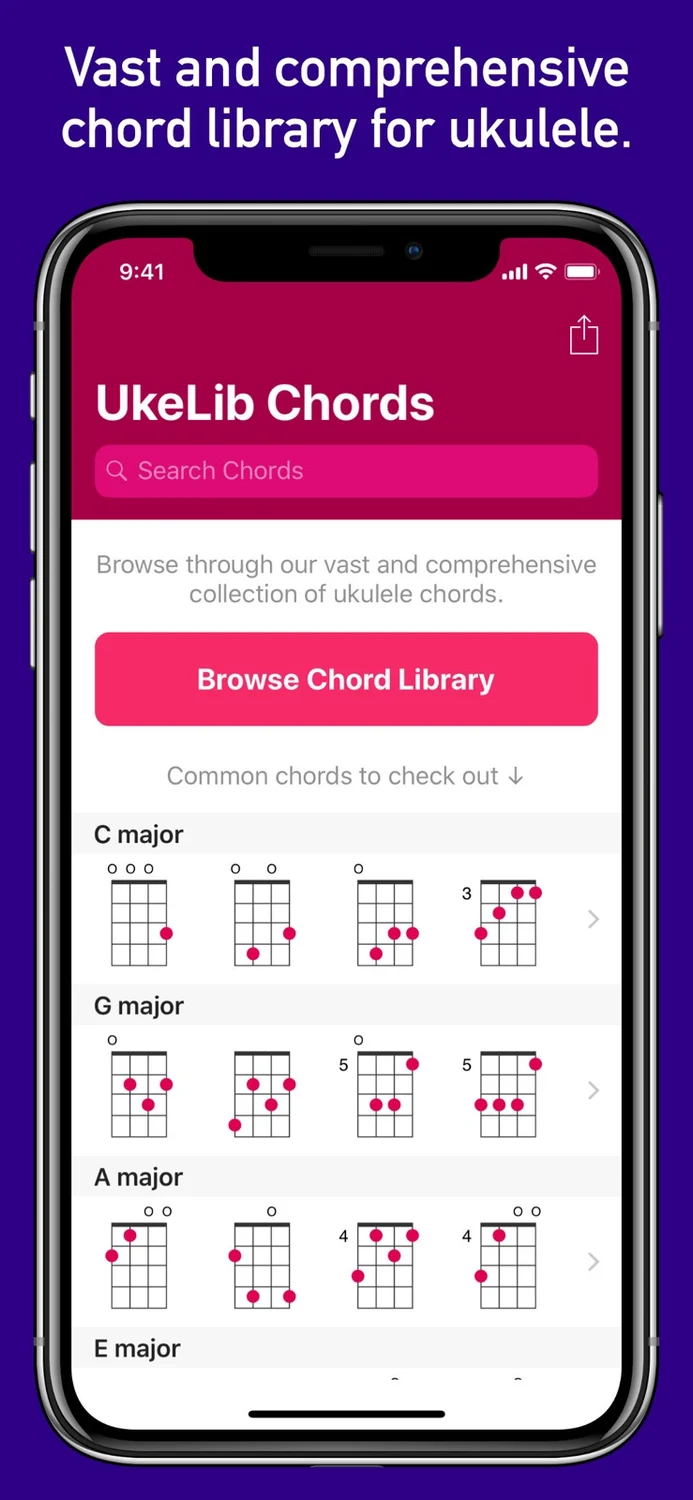
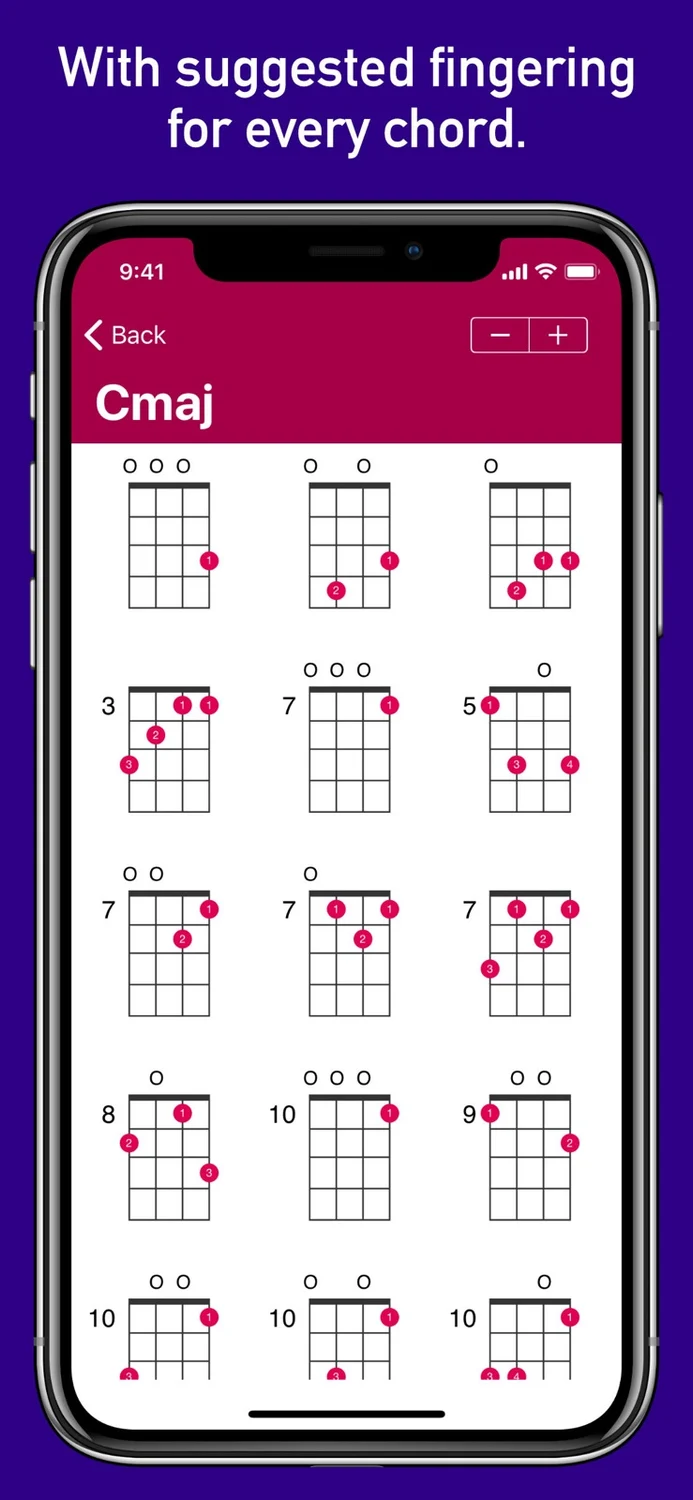
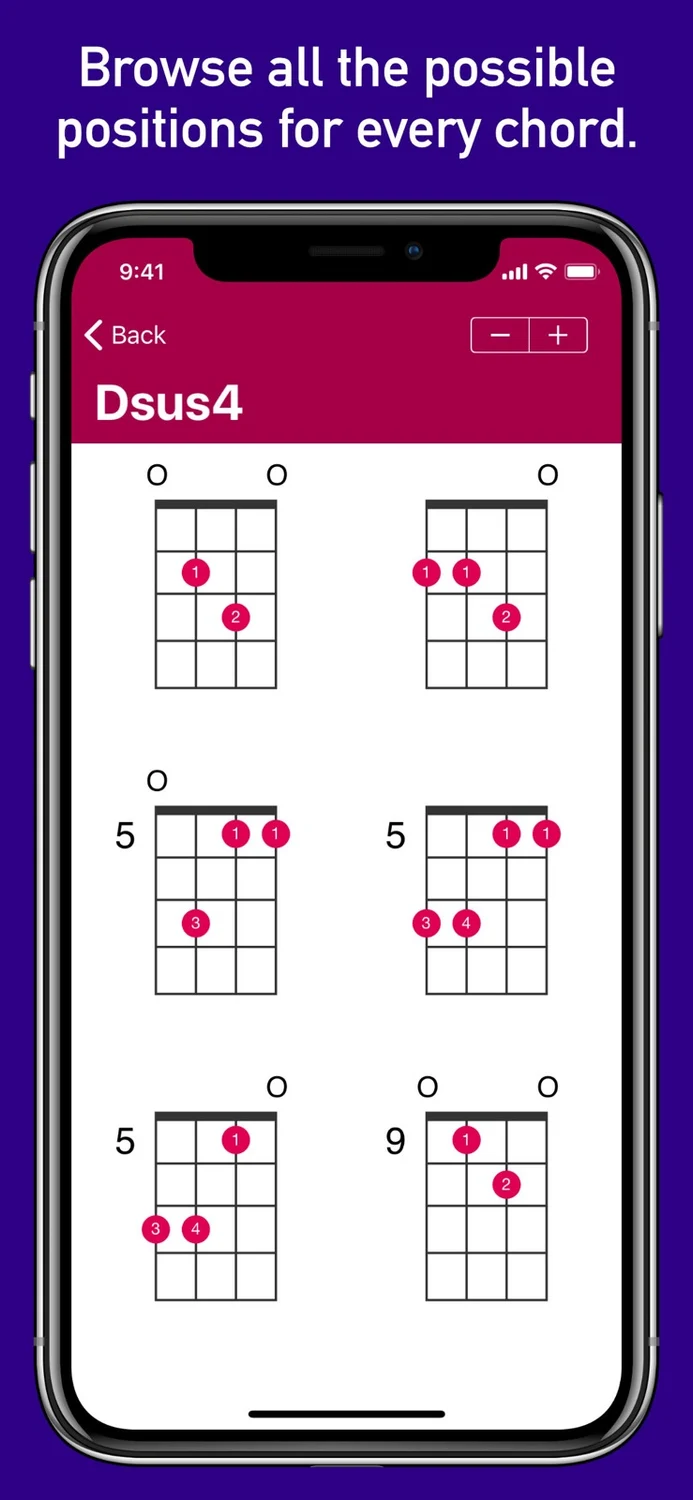
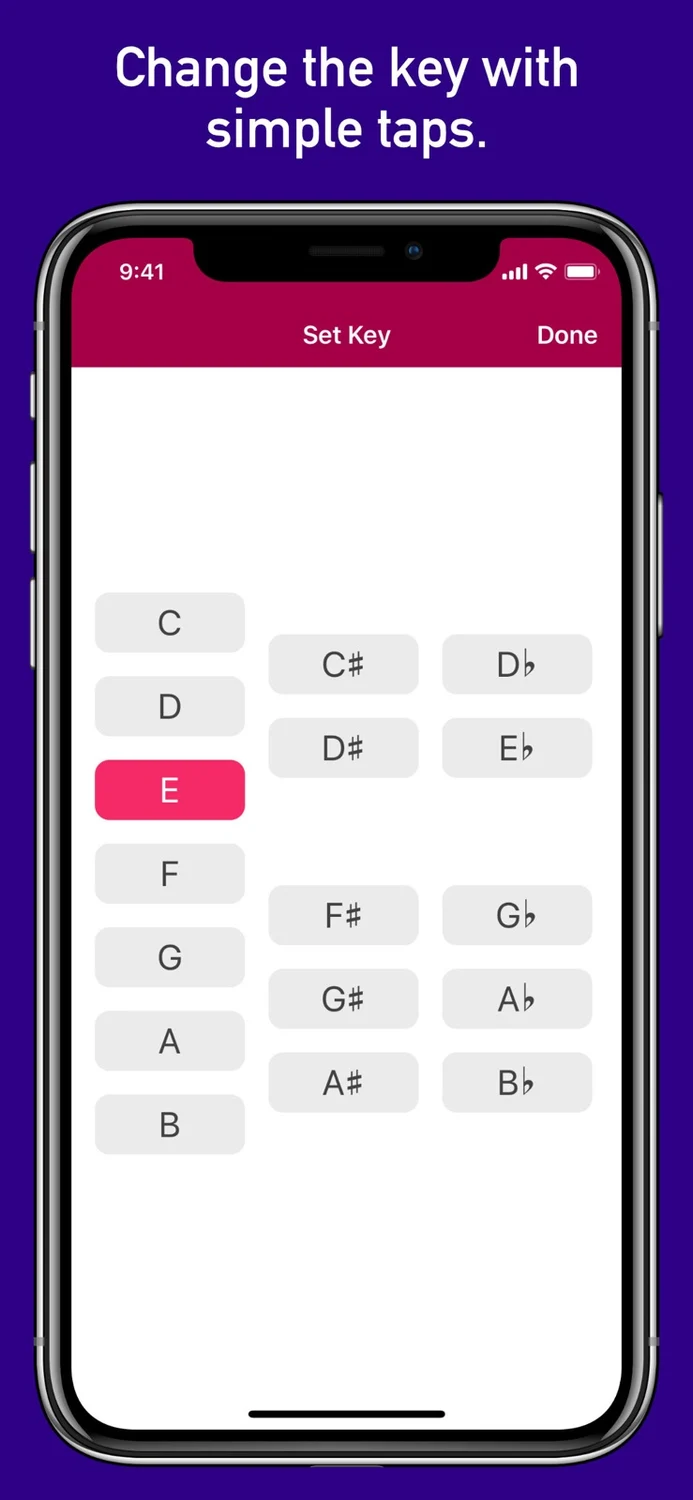
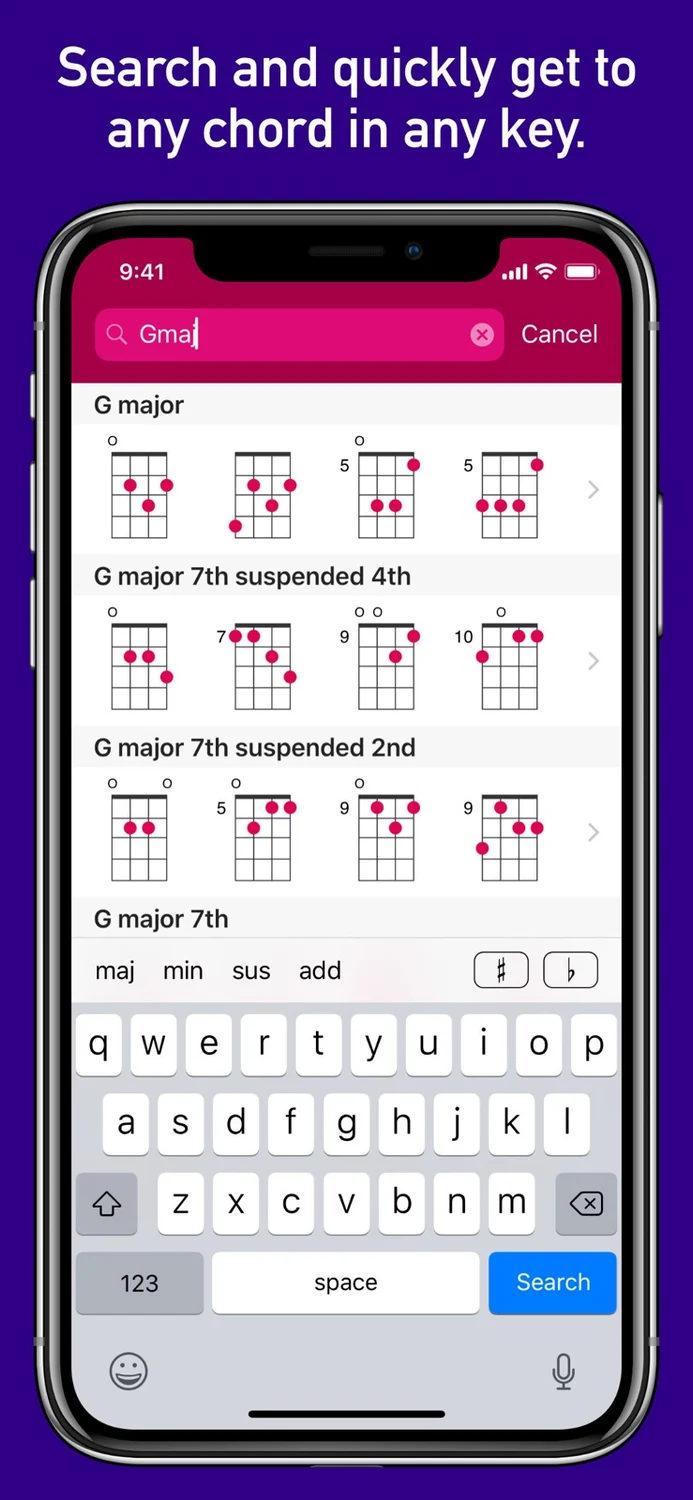
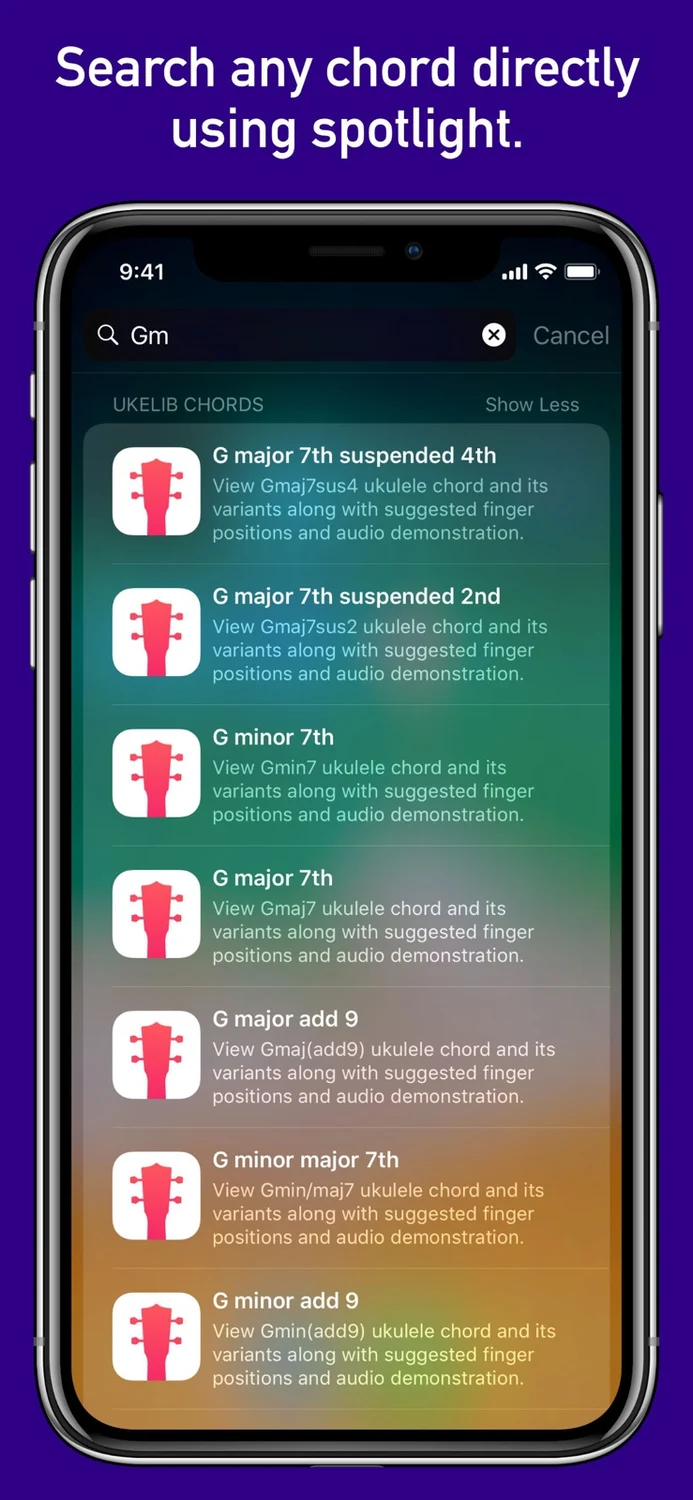
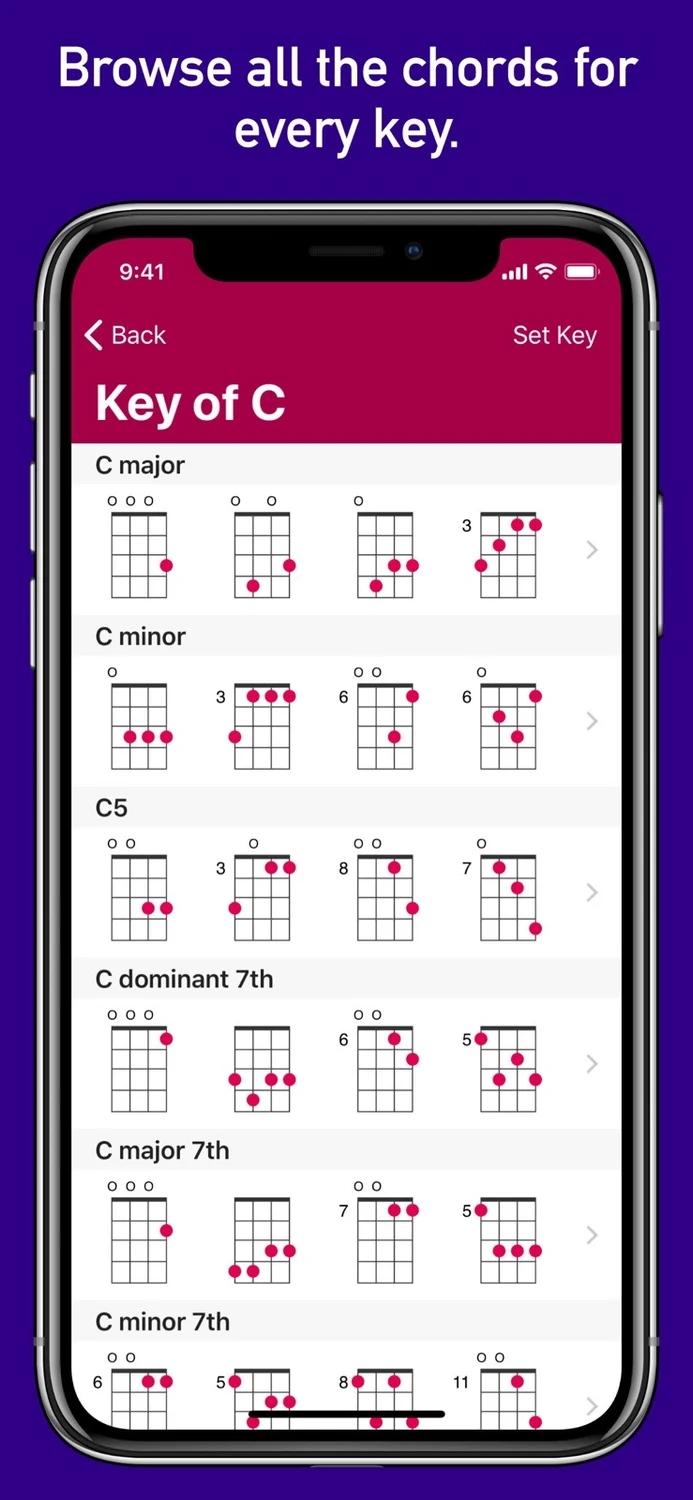
Ukulele Chord Library
Read the store description
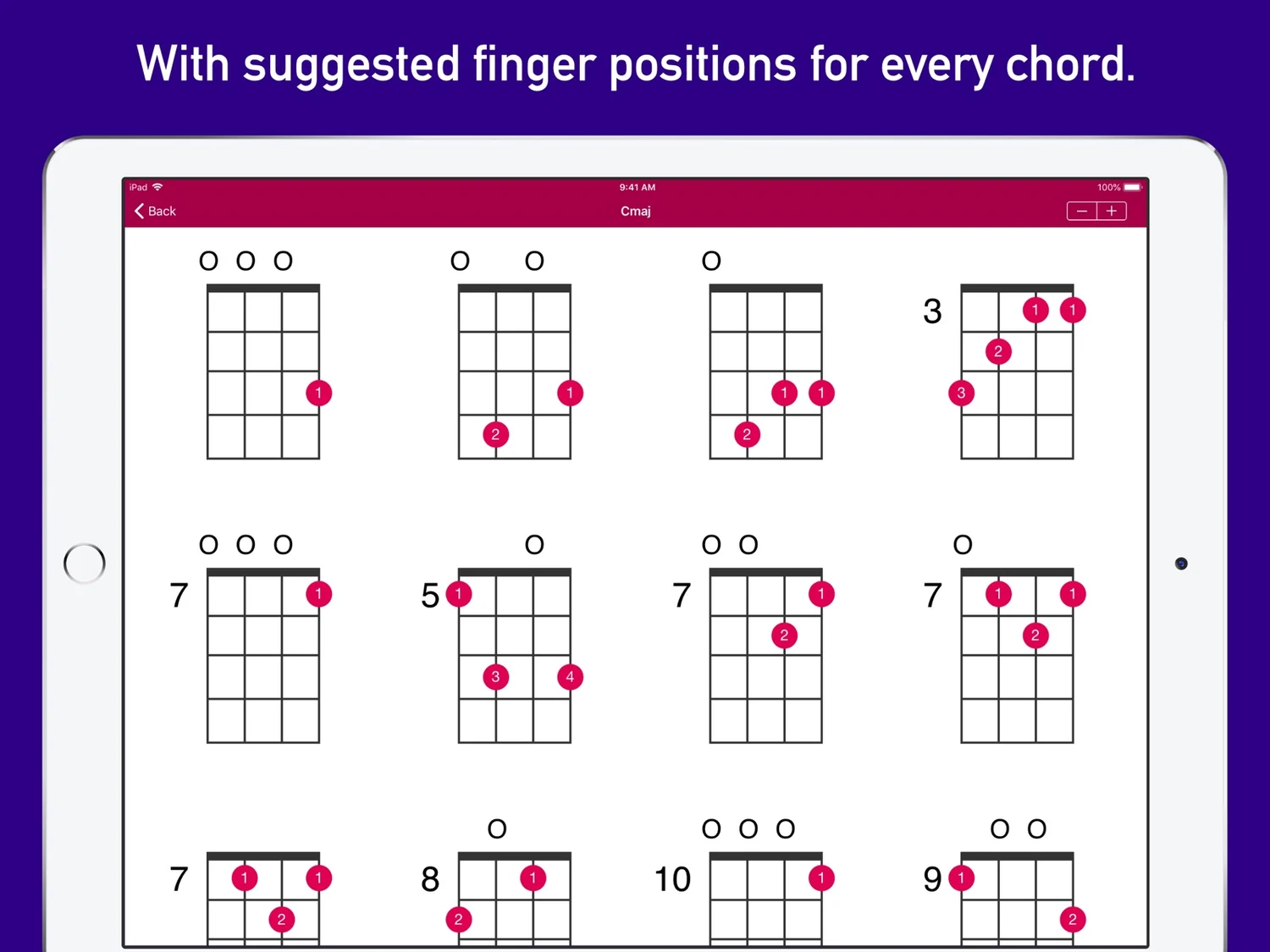
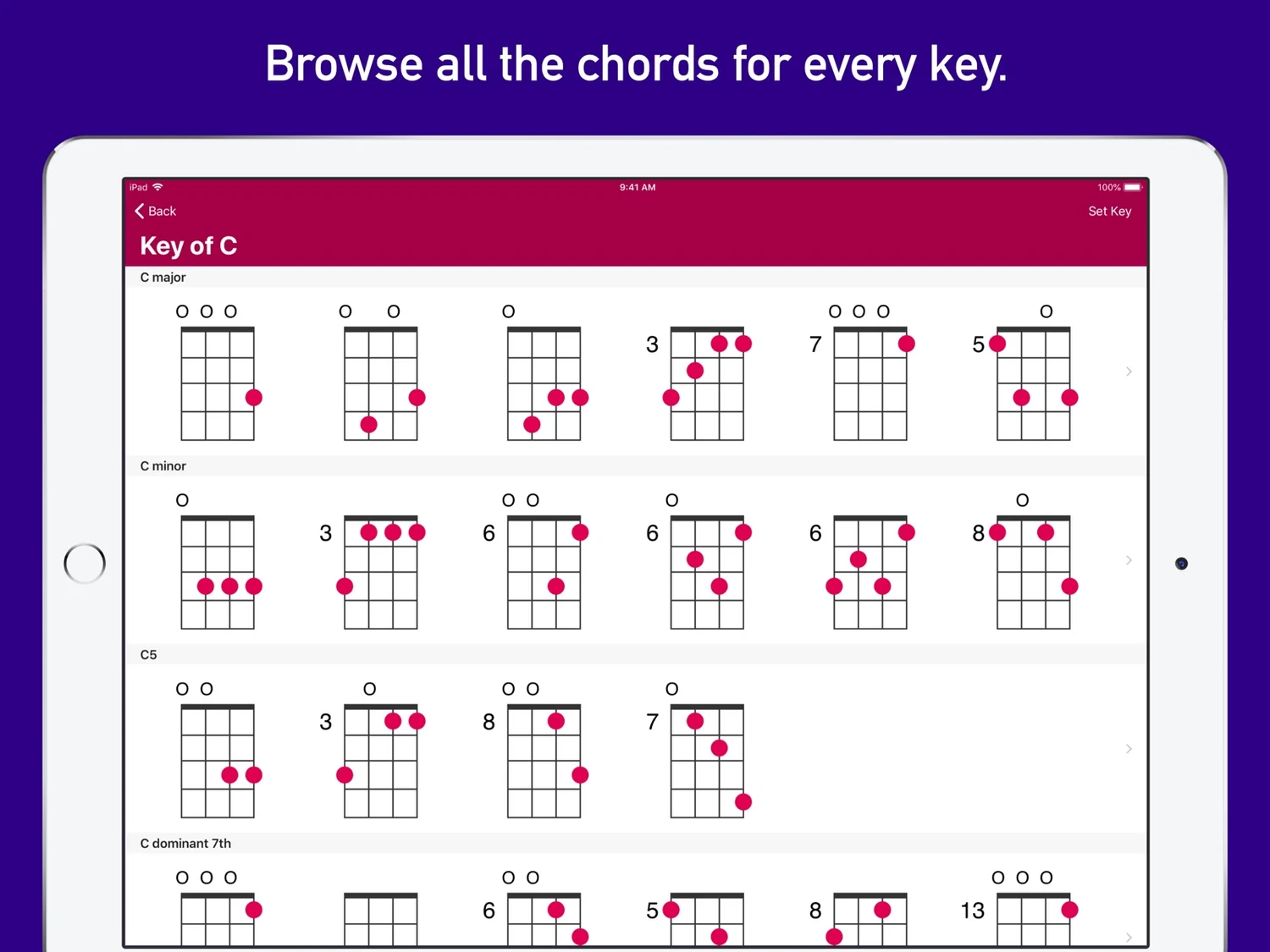
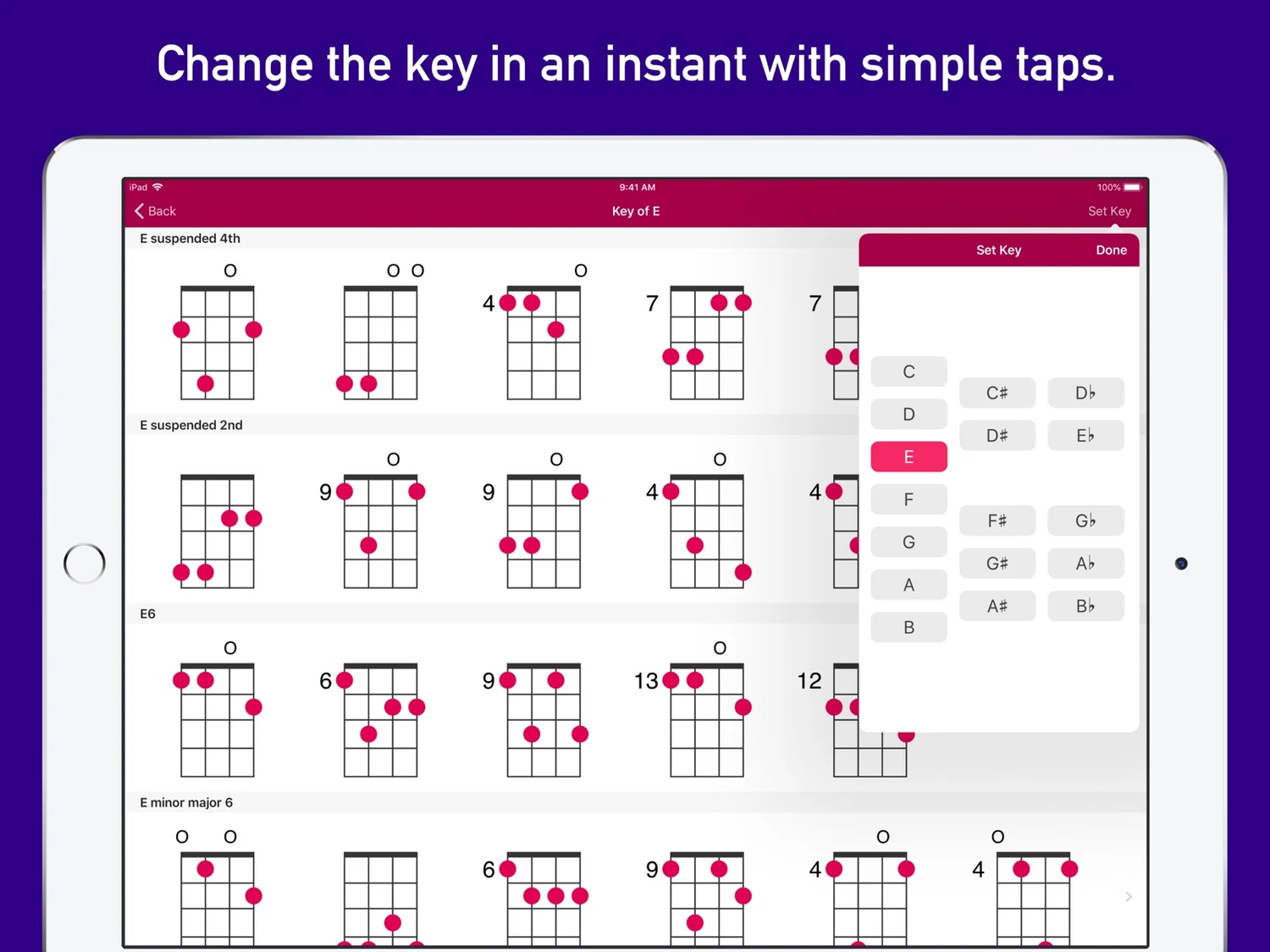
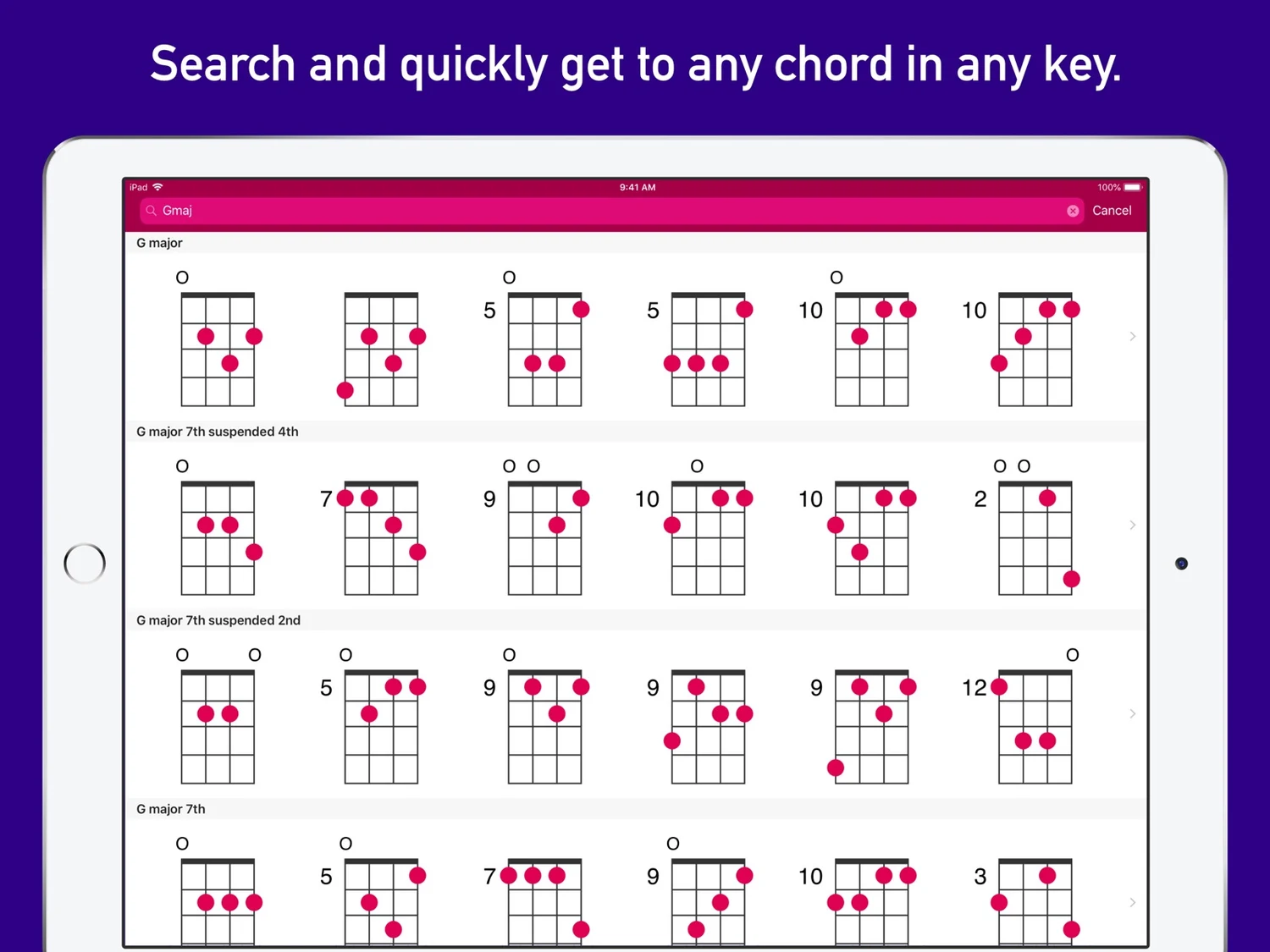
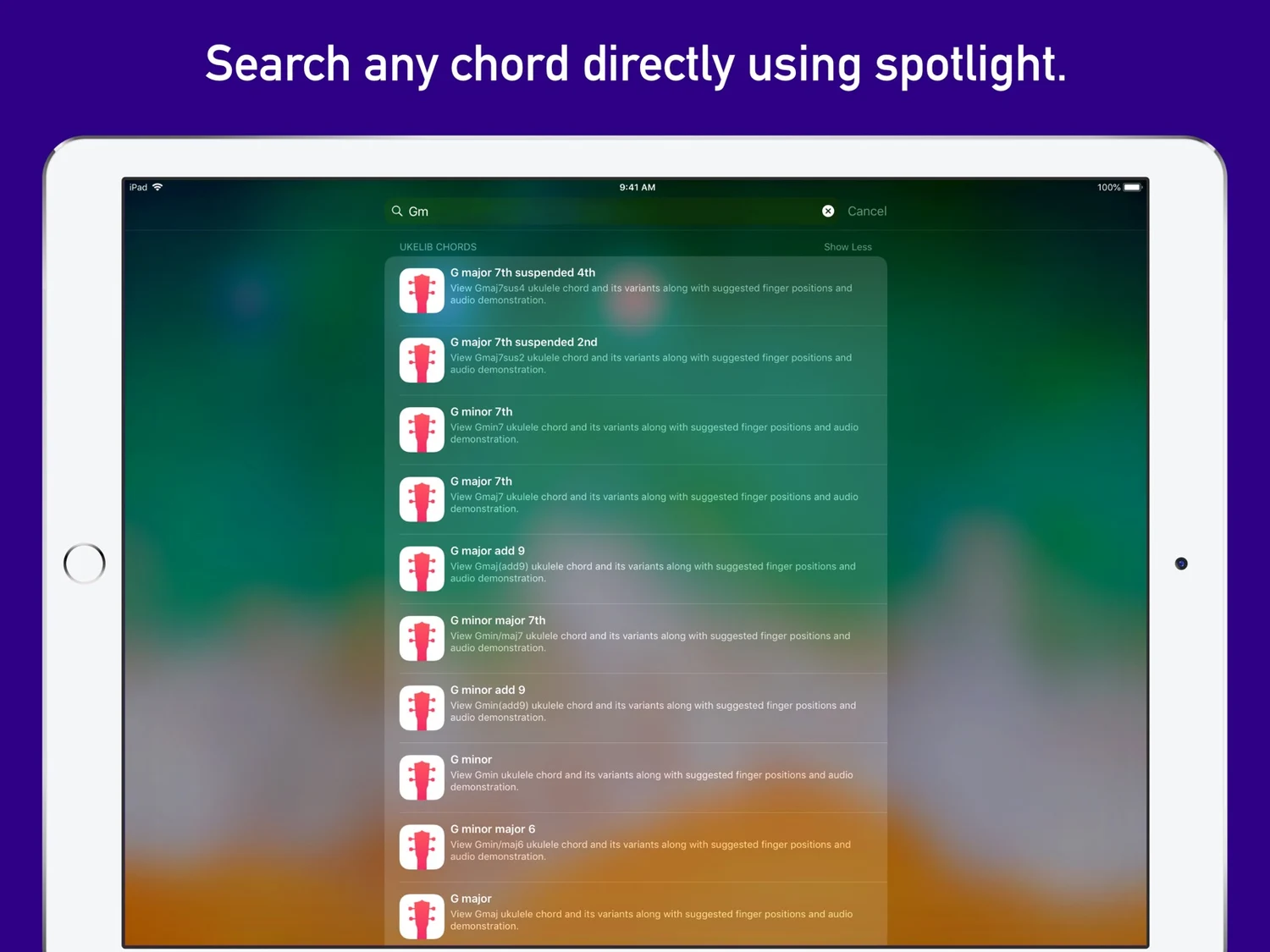
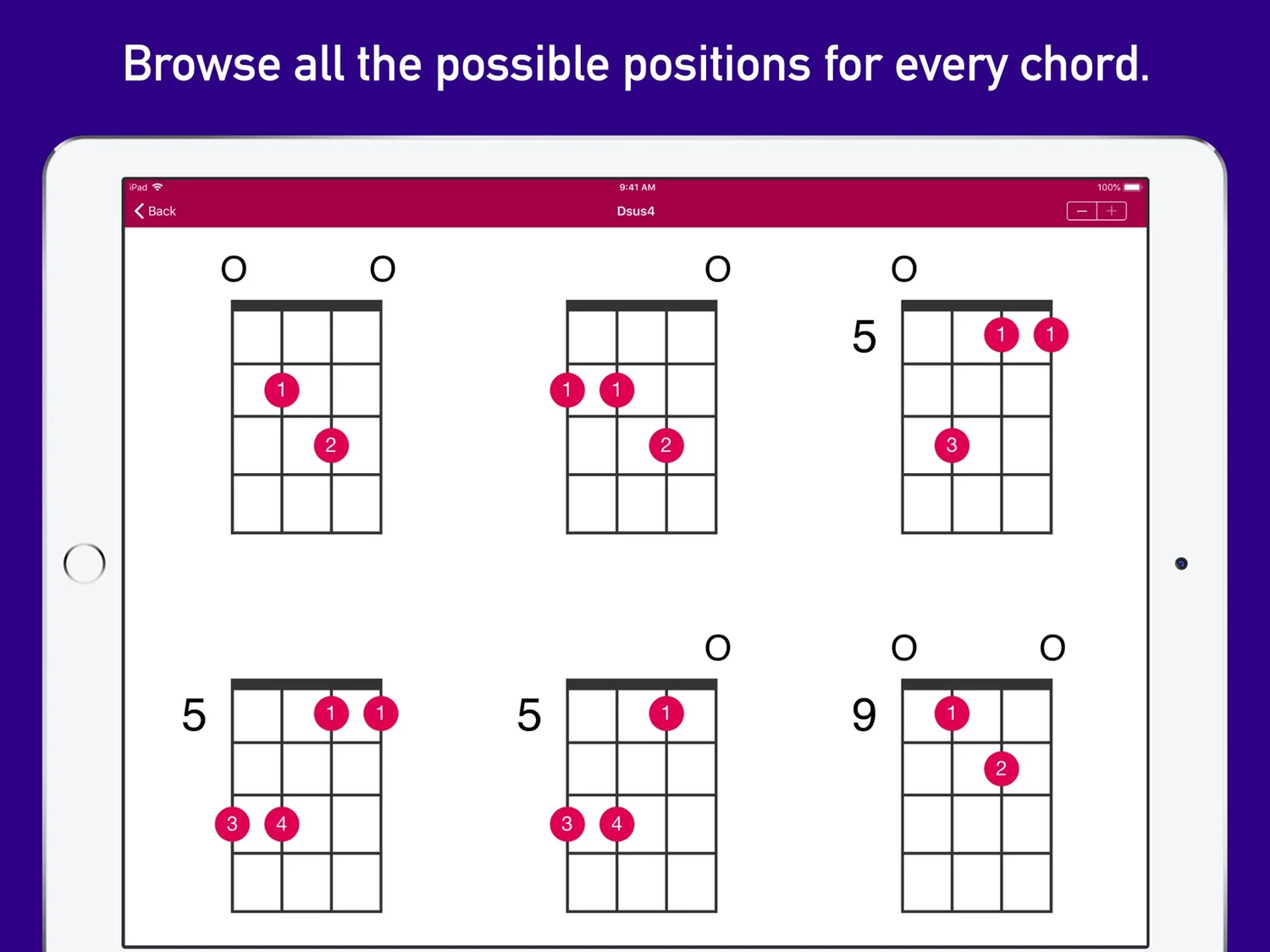
Explore the vast and comprehensive collection of ukulele chords in UkeLib Chords. Get all the possible positions of any chord throughout the fretboard along with suggested fingering and audio demonstration of how the chord sounds. You can also use the search to quickly get to any chord you are looking for. Whether you are just starting to play the ukulele or you are an advanced player, UkeLib Chords would be an invaluable tool for you. • Vast and comprehensive chord library for ukulele. • Includes suggested fingering for every chord. • Browse all the chords for every root note. • Change the root note with simple taps. • Search and quickly find any chord in any key. • Browse all the possible positions for every chord. • Search any chord directly using Spotlight. • Export any chord as PNG image or MIDI file. • Includes support for Dark Mode. - Support for alternate Ukulele tunings - Standard (gCEA), Baritone (DGBE), and Low G (GCEA). - Support for left-handed chord shapes.
What’s new
Framework and security updates.
iPad
UkeLib Chords
- App Store
- Free
- Version 1.15.8
Requires iPadOS 13.0 or later.
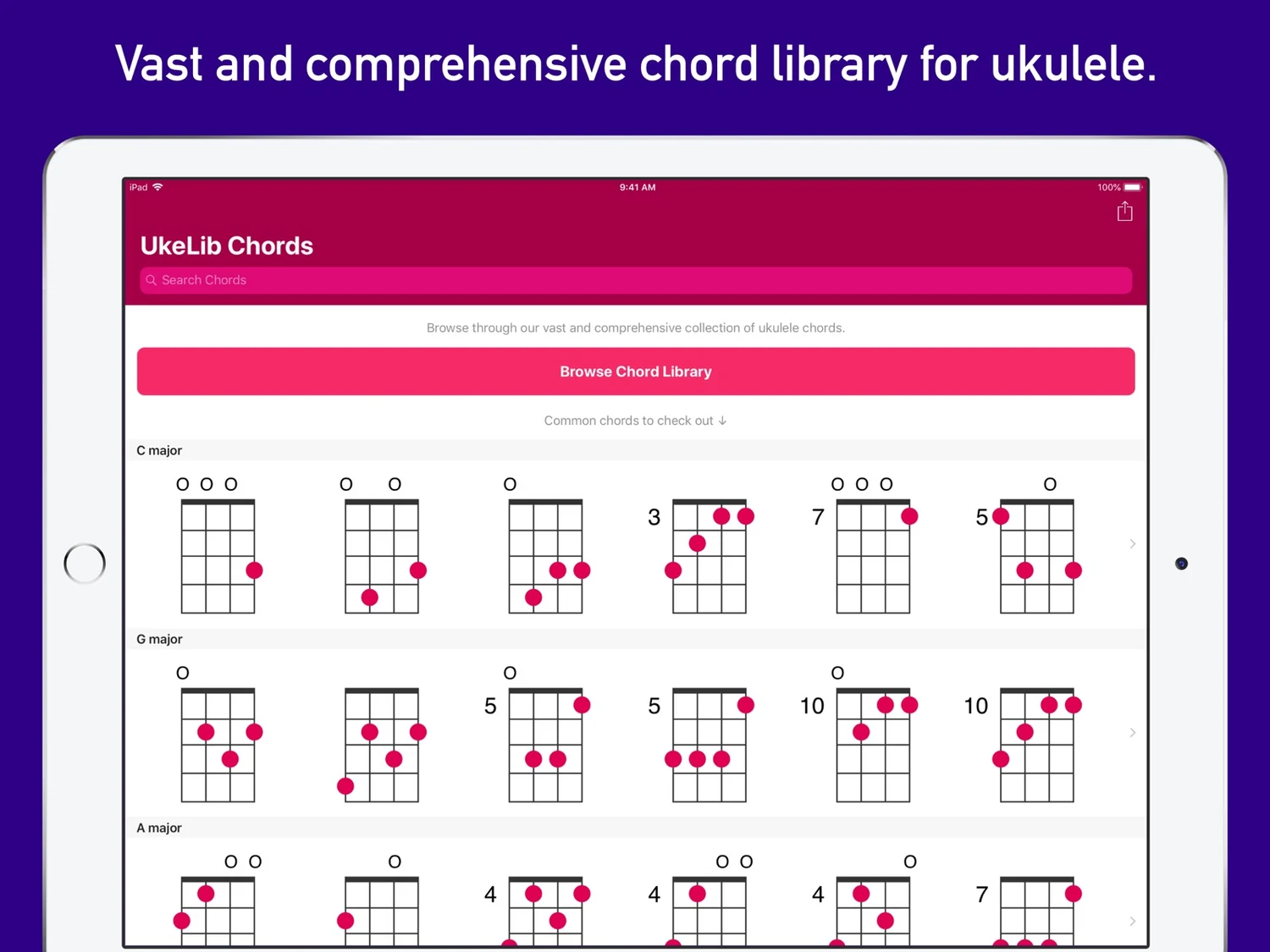
Ukulele Chord Library
Read the store description
Explore the vast and comprehensive collection of ukulele chords in UkeLib Chords. Get all the possible positions of any chord throughout the fretboard along with suggested fingering and audio demonstration of how the chord sounds. You can also use the search to quickly get to any chord you are looking for. Whether you are just starting to play the ukulele or you are an advanced player, UkeLib Chords would be an invaluable tool for you. • Vast and comprehensive chord library for ukulele. • Includes suggested fingering for every chord. • Browse all the chords for every root note. • Change the root note with simple taps. • Search and quickly find any chord in any key. • Browse all the possible positions for every chord. • Search any chord directly using Spotlight. • Export any chord as PNG image or MIDI file. • Includes support for Dark Mode. - Support for alternate Ukulele tunings - Standard (gCEA), Baritone (DGBE), and Low G (GCEA). - Support for left-handed chord shapes.
What’s new
Framework and security updates.
Apple Vision Pro
UkeLib Chords
- App Store
- Free
- Version 1.15.8
Requires visionOS 1.0 or later.
Available as a compatible Apple app. Visit the store listing for device details.
Ukulele Chord Library
Read the store description
Explore the vast and comprehensive collection of ukulele chords in UkeLib Chords. Get all the possible positions of any chord throughout the fretboard along with suggested fingering and audio demonstration of how the chord sounds. You can also use the search to quickly get to any chord you are looking for. Whether you are just starting to play the ukulele or you are an advanced player, UkeLib Chords would be an invaluable tool for you. • Vast and comprehensive chord library for ukulele. • Includes suggested fingering for every chord. • Browse all the chords for every root note. • Change the root note with simple taps. • Search and quickly find any chord in any key. • Browse all the possible positions for every chord. • Search any chord directly using Spotlight. • Export any chord as PNG image or MIDI file. • Includes support for Dark Mode. - Support for alternate Ukulele tunings - Standard (gCEA), Baritone (DGBE), and Low G (GCEA). - Support for left-handed chord shapes.
What’s new
Framework and security updates.

Android
UkeLib Chords
- Google Play
- Free
- Version 1.4.4
Android 7.0 and later
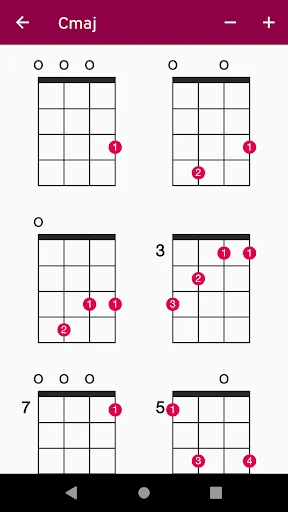
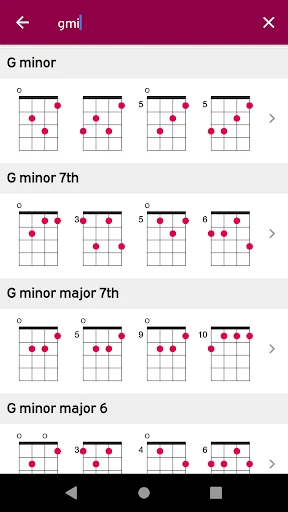
Explore a comprehensive ukulele chord library with fingerings and audio playback
Read the store description
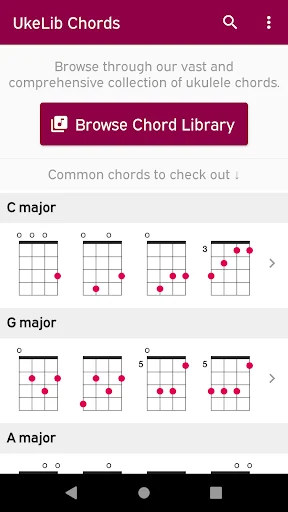
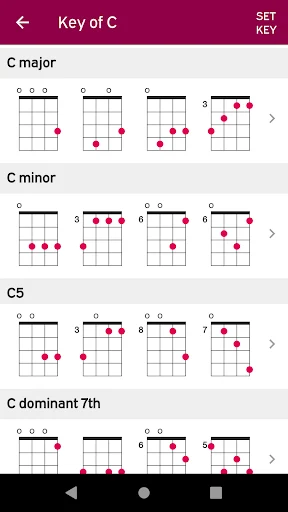
UkeLib Chords is a comprehensive ukulele chord library for standard G4-C4-E4-A4 tuning. Explore major and minor chords, sevenths, suspended chords, diminished and augmented shapes, and add9 chords. Compare available fingerings and hear a selected position played while you study its fretboard diagram. Browse chord types or search by name Choose a root note and chord type to see available shapes, or search for the chord name in your music. Start with the major and minor shapes you use often, then explore related sounds such as a dominant seventh, a suspended second or a minor add9. See where to place your fingers Inspect a diagram and follow its suggested finger positions. The chart shows the arrangement on the ukulele fretboard so you can study a shape before trying it on the instrument. Check the strings and frets involved, then form the chord at a pace that lets you listen to the notes you are playing. Compare available positions A chord can be played in different positions. Browse the available shapes and consider which fits the music you are practicing. You might compare how a position sounds, where it sits on the neck or how it connects to the chord before and after it. These are choices you make while studying the diagrams, not automatic recommendations generated from a song. Hear a position played Use the audio playback for the selected chord to connect the diagram with a sound. Listen to a position while looking at its fingering, then try the shape on your own ukulele. Comparing available positions can be a useful part of exploring a chord beyond the first shape you learned. Return and share Recently viewed chords let you revisit the references you have been exploring. Use them when comparing a small group of chords or returning to a shape after practicing a passage. Share a chord as a web link when you want to point another player or teacher to a specific chord reference. Ukulele chord-reference tools - Diagrams with suggested finger positions - Browsing by root note and chord type - Search by chord name - Playback of selected chord positions - Recently viewed chords - Chord sharing through a web link Use it with your practice routine Look up an unfamiliar chord symbol before playing through a passage. Study the shape, listen to the playback and take time to place your fingers. When moving between two chords feels awkward, inspect another available position and consider whether it fits the movement you are working on. You can use the app beside your own exercises or music material without needing it to recognize the song. Check your instrument's tuning The diagrams use standard G4-C4-E4-A4 ukulele tuning. The pitch of each string matters when you apply a diagram. A baritone ukulele uses a different tuning, so these charts should not be assumed to produce the same chord on that instrument. Check the tuning you are using before relying on the illustrated position. A simple reference workflow Choose the root and chord type or enter a name. Open a position, inspect the fingering and hear it played. Try it on your ukulele, then compare another available shape if useful. Use recent chords to return to a reference and the sharing option when discussing a position with someone else. Use the diagrams as a reference while you practice chord changes. Compare a familiar fingering with another available voicing and listen to how the two positions sound. The fretboard diagrams and playback let you check the shape and the sound together. For shapes higher up the neck, use the starting fret number to place the diagram on your instrument. Check the open and muted string symbols before strumming. The app interface is in English. UkeLib Chords includes ads and offers an in-app purchase to remove them. For support and more information, visit https://ukelib.com. Before changing shape, compare the strings and frets used by the two positions. A deliberate transition between familiar diagrams can be a useful practice exercise.
What’s new
Fixed an issue that made typed text invisible in chord search.

Meta Quest
UkeLib Chords
- Meta Horizon Store
- $4.99
Quest 2, Quest Pro, Quest 3, Quest 3S
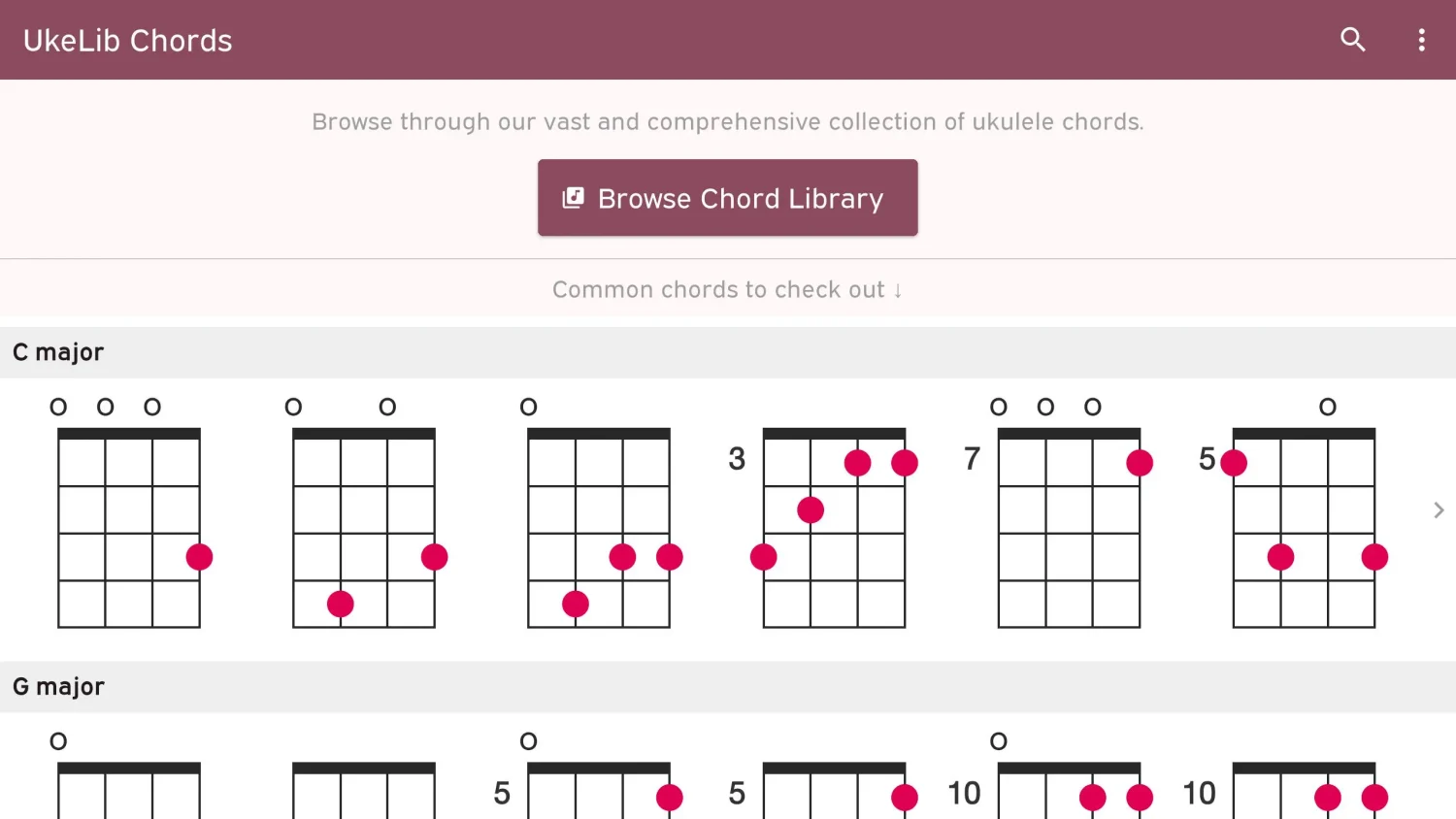
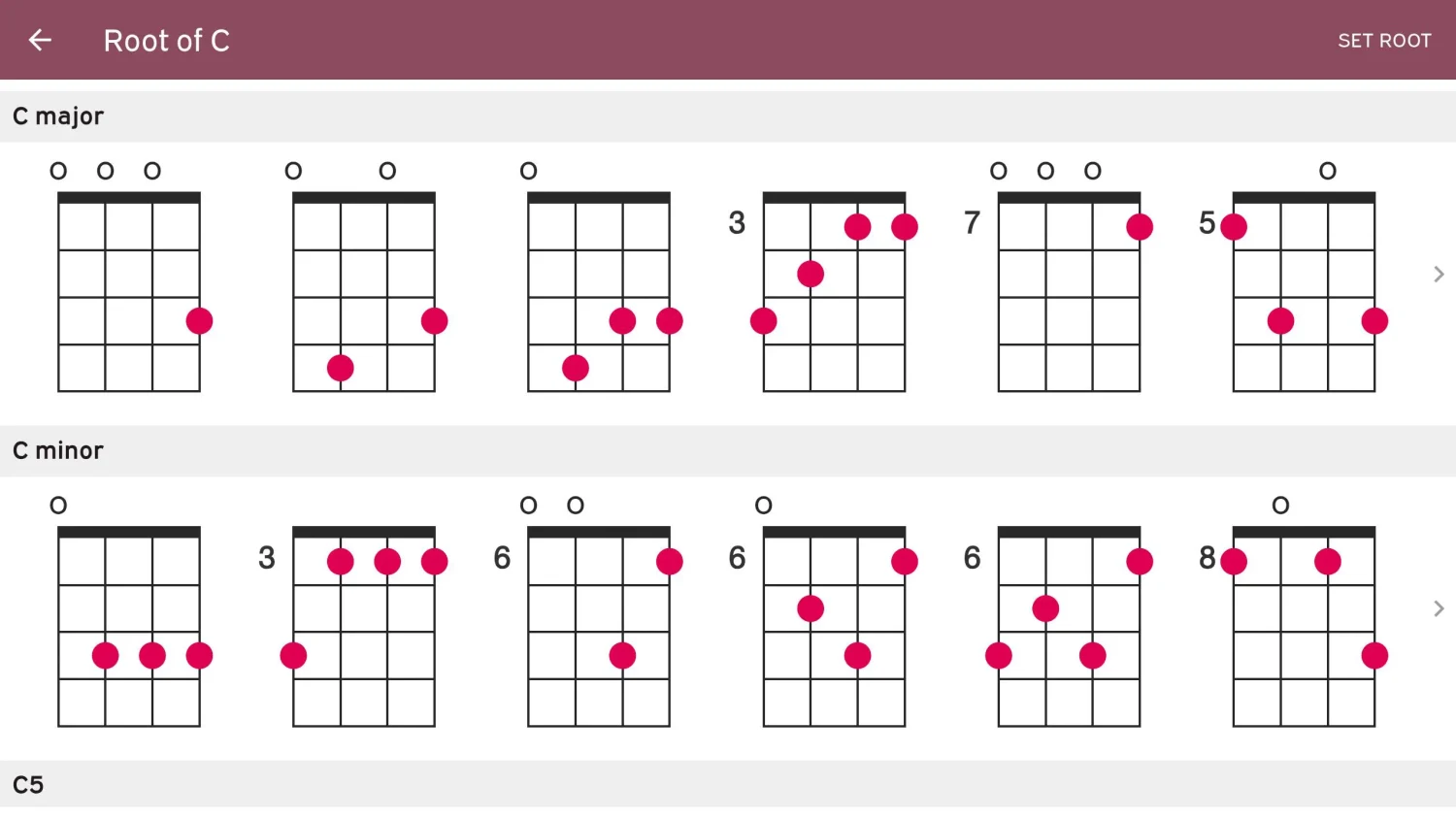
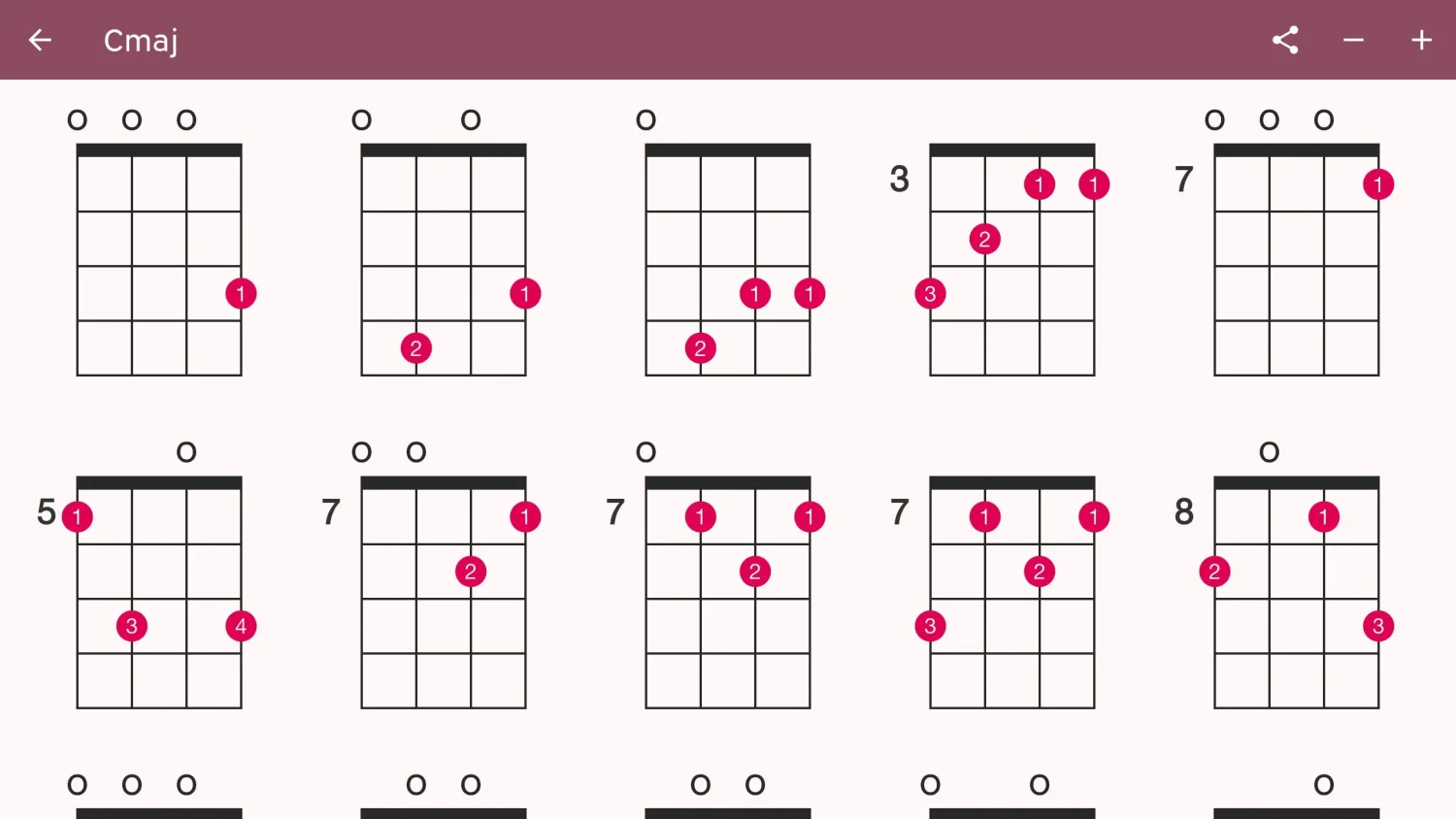
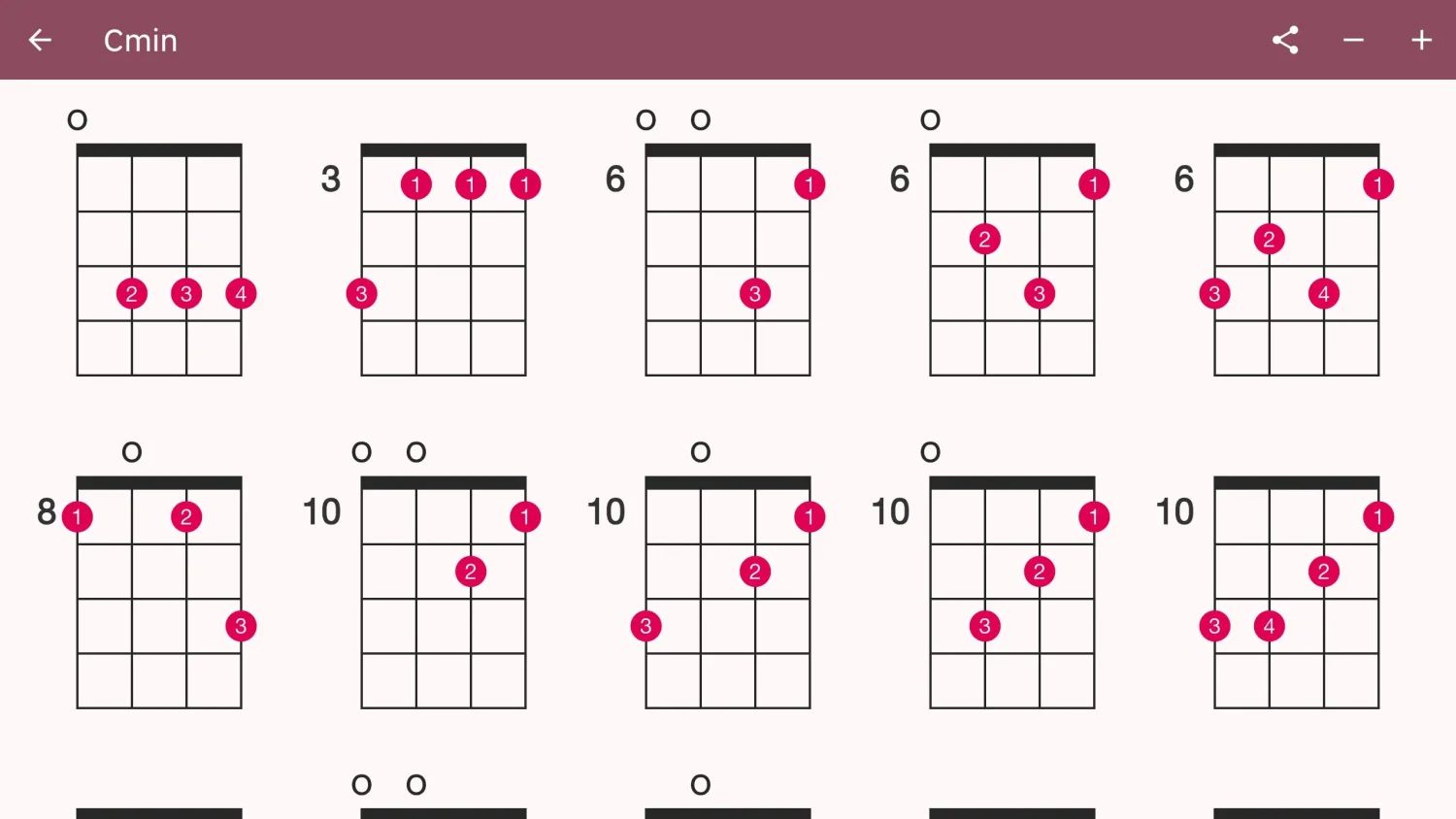
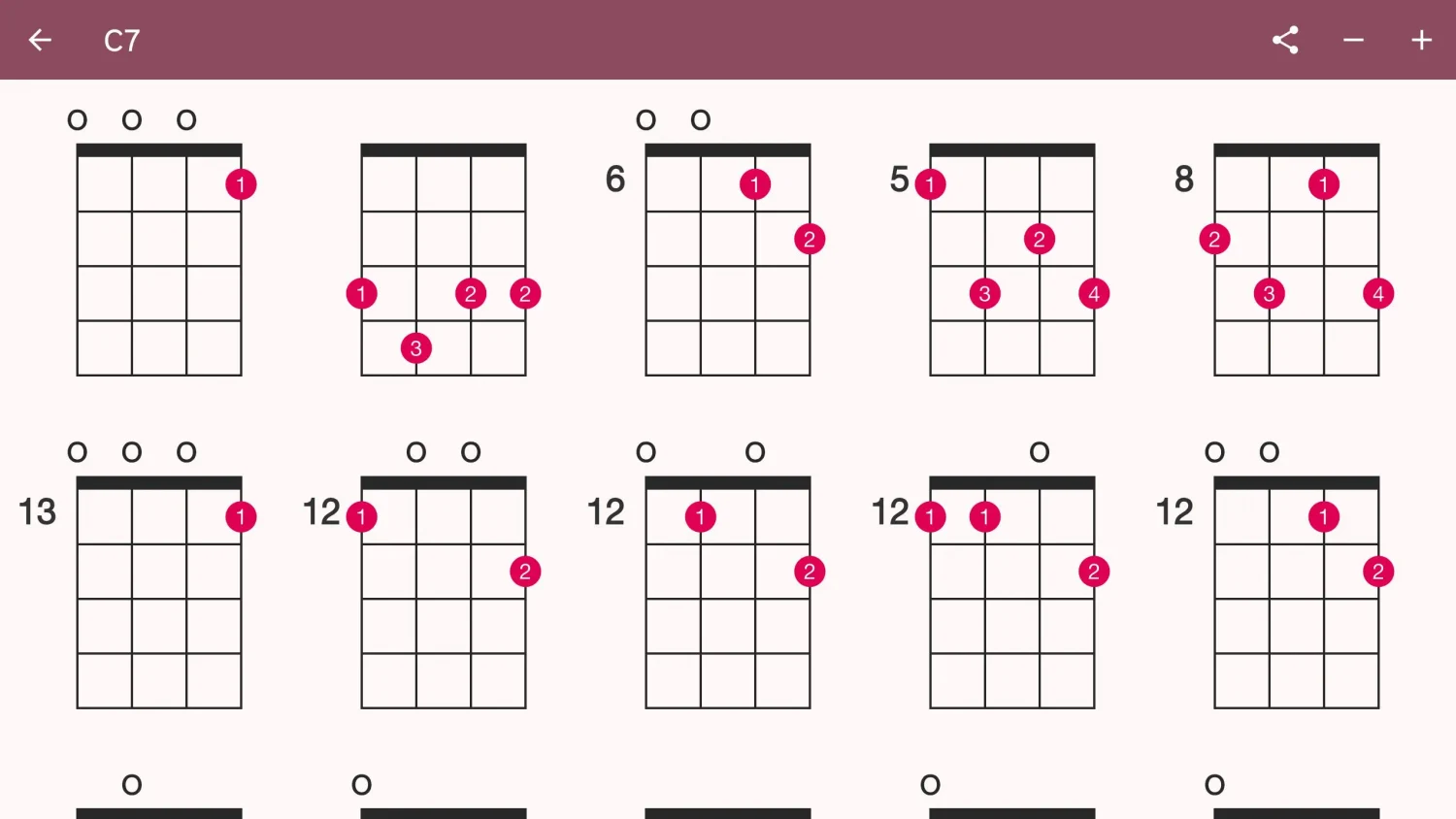
Explore ukulele chord diagrams, fretboard positions and playable chord sounds.